Swap Buttons
Swap in Same Category
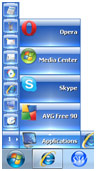
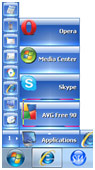
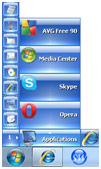
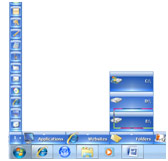
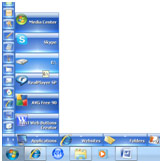
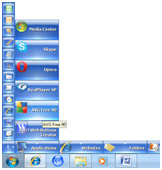
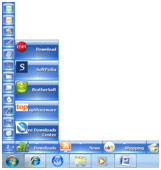
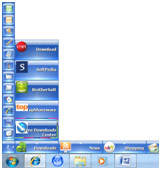
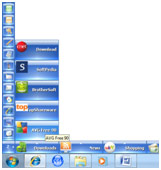
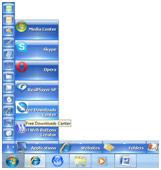
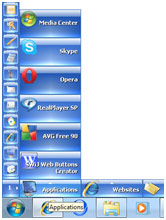
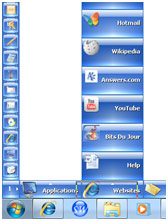
You can interchange two launch Buttons in the same Category Slot by the following way. First hold the Left Mouse down on the source Button for a short time and drag it over your target Button and then release the Mouse. If you want to Swap in to another sub page of the same Category then drag and bring the Mouse over the Category Slot, and the sub pages will start to change one by one. If you have come to the right sub page then move the Mouse over the launch Buttons and release it onto the target Button of your choice.
Swap in Different Category in Same Page
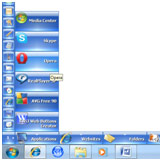
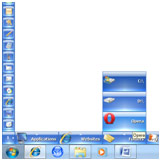
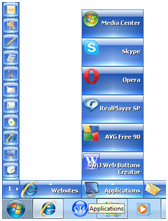
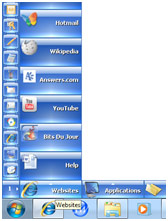
You can interchange two Buttons from two different Categories by the following way. First drag the source Button using the Left Mouse and bring it over the target Category Slot and keep it there for a while. At that point the launch Buttons in that Category will show up and you can move up the Buttons and release the Mouse onto the target Button of your choice. If you wait a little longer over the target Category Slot then the sub pages of that Category will start to change one by one and you can choose a particular sub page there to Swap the Buttons.
Swap in Different Category in Different Page
You can also interchange two Buttons from one main page to another main page by the following way. First drag your source Button using the Left Mouse and bring it over the Nip and hold it for a short time. The SideWinder will start to navigate through the available main pages on by one and you can leave the Nip and come to the target Category Slot and wait there for a short while. Then the sub pages of that Category will show up and you can move up the Buttons and release the Mouse on a launch Button of your choice.
Category Swap
You can interchange two Category Slots in between the similar way you Swap the launch Buttons. Hold the Left Mouse button on your source Category Slot for a short while and drag it over your target Category Slot and release the Mouse. You can also Swap the Category Slot between two main pages. To do that drag the source Category Slot as before and bring it over the Nip and hold it there for a short while. The SideWinder will start to change the main pages one by one and you can leave the Nip if your target page has arrived. Then you can release the Mouse over a target Category Slot of your choice and the source and targets will be interchanged.